
Interior AI Guide
AI Flooring Replacement Guide: How to Choose the Best New Floor From a Photo
A smarter way to reject the wrong floor before you spend on samples, demolition, delivery, and installation.
AI flooring replacement works best as a decision tool, not a magic selector. The real value is speed: you can test tone, material family, plank width, layout, and room mood from a real photo before you involve a showroom, retailer, or installer.
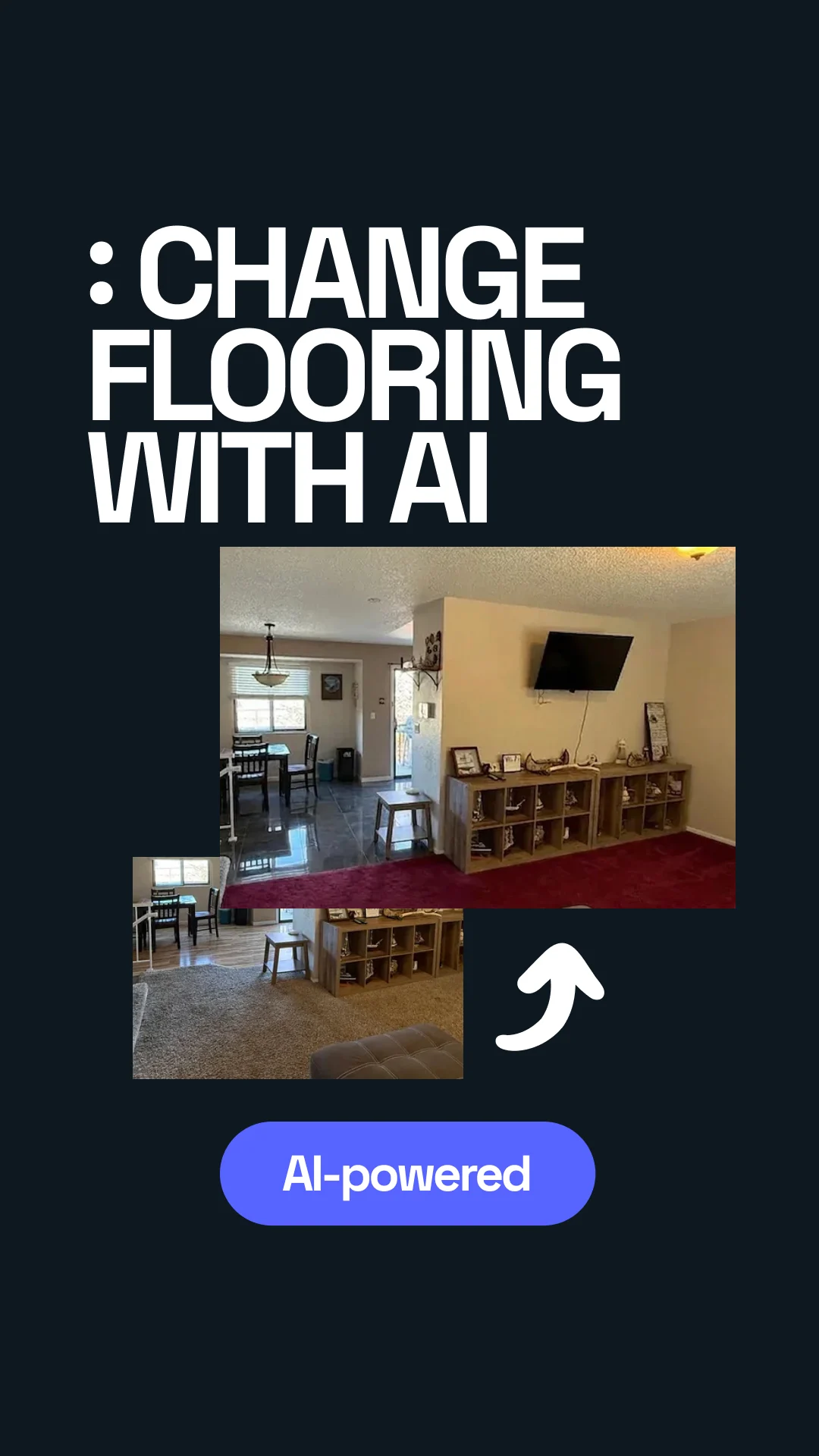


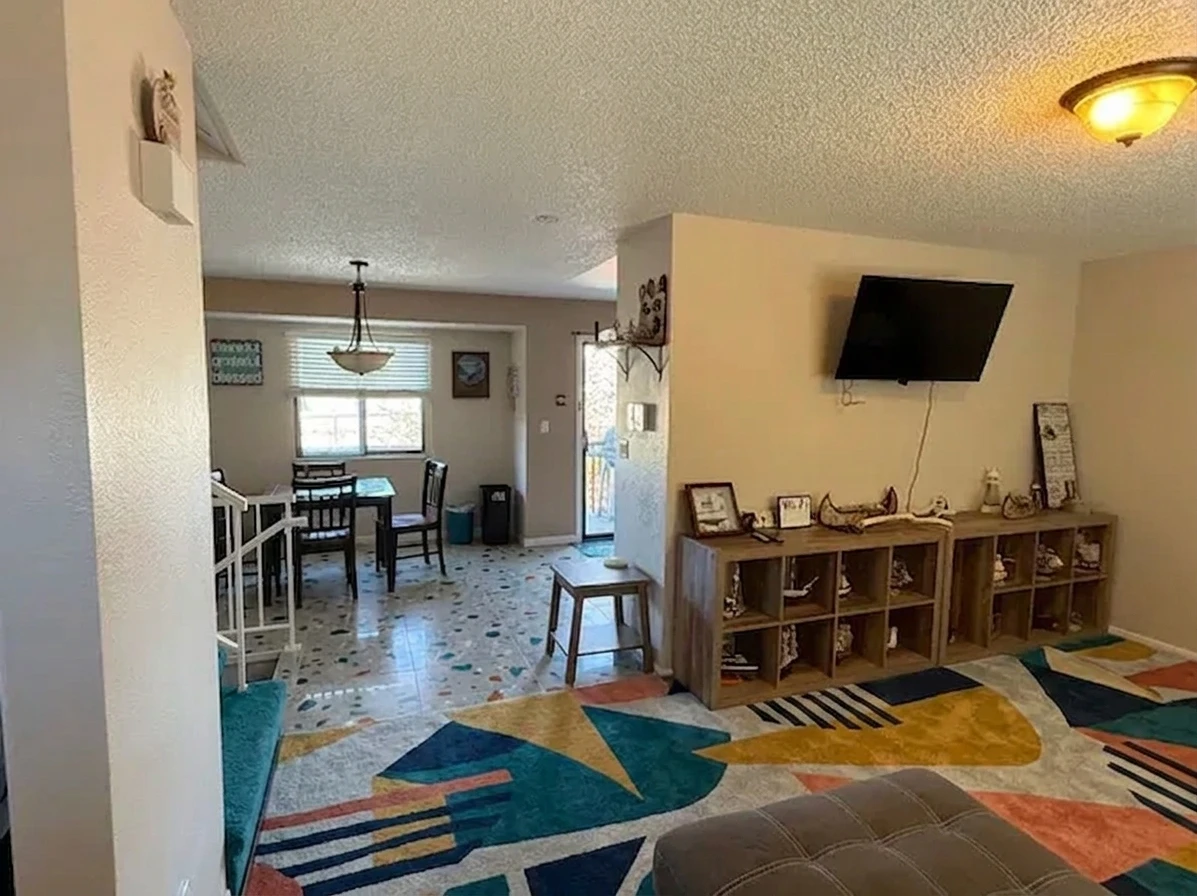
Transformed with AI by Uniify
Why this works
Flooring is one of the biggest “looks cheap when installed wrong” decisions in a home. The material sample can be accurate and the final result can still fail because the room is too dark, the plank scale is off, the finish reflects too much light, or the adjacent rooms clash. AI helps because it moves the decision from isolated samples to room-context testing.
The practical gain is not that AI somehow knows the perfect product. The gain is that it can compress the first 70% of the decision: which material family fits the room, whether the space needs a warmer or cooler tone, whether wide plank improves or overwhelms the scale, and whether a matte, satin, or tile finish makes the room look calmer or busier.
That matters because flooring also affects indoor air quality and daily comfort. The U.S. EPA notes that people spend about 90% of their time indoors, which is why low-emitting products and adhesives deserve attention during any flooring replacement.[1]
What AI can and cannot do
What AI is good at
- Testing light vs medium vs dark flooring in the actual room
- Comparing material directions such as engineered wood, laminate, rigid-core vinyl, and porcelain
- Exploring finish choices like matte, brushed, low-sheen, or satin
- Showing layout differences such as straight lay, wide plank, chevron, or herringbone
- Creating a shortlist you can take to a retailer or contractor
What AI is bad at
- Identifying an exact SKU with full reliability
- Judging subfloor flatness, moisture, or structural defects
- Confirming underfloor heating compatibility by itself
- Replacing installation guidance, code requirements, or warranty terms
- Showing the exact grain, sheen, or batch variation of a real product
Room photo
   ↓
AI generates 3–6 realistic directions
   ↓
You reject the obviously wrong options
   ↓
You request spec-level details for the best 1–2
   ↓
You order real samples
   ↓
Installer confirms substrate + moisture + transitions
   ↓
Final purchase
Step-by-step workflow
1. Start with the right photo
Use a straight photo that shows as much floor area as possible. Natural light is best. Keep the lens level, avoid strong shadows, and include some walls, trim, and furniture so the AI can read proportions and tone relationships.
2. Tell the AI what problem you are solving
Do not ask for “a nice floor.” Ask for a floor that makes the room brighter, looks less yellow, hides dust, feels more premium, works with beige walls, or ties into an adjacent kitchen.
3. Add real-world constraints
Include pets, kids, budget band, moisture exposure, sunlight, cleaning tolerance, and whether the floor must continue into nearby rooms. These details improve the shortlist far more than style words alone.
4. Ask for alternatives, not one answer
Run side-by-side comparisons: light oak vs medium oak, engineered wood vs laminate, matte vs satin, wide plank vs standard, wood-look porcelain vs rigid-core vinyl.
5. Judge the room, not the render
Look at room brightness, contrast against walls, visual noise, transition to adjacent finishes, and whether the room feels larger or more cramped. A “beautiful” floor can still be wrong at full-room scale.
6. Convert the winner into a buying brief
Once you have a favorite direction, ask for a practical brief: material, wear layer or thickness range, finish, color family, plank or tile format, installation pattern, underlayment questions, and what to verify with the installer.
Decision rule: use AI to remove risk early, then use samples and installer checks to remove risk late.
Which flooring materials AI can help you compare
This is where AI is most useful: not picking a brand, but showing you which material family belongs on the shortlist.
| Material | Best for | Why it makes the shortlist | Watch-outs |
|---|---|---|---|
| Engineered wood | Living rooms, bedrooms, higher-end renovations | Natural wood look, warmer feel, stronger resale perception | Humidity control matters; the NWFA notes wood floors generally perform best around 30–50% RH and 60–80°F.[3] |
| Laminate | Budget-conscious upgrades, active households | Strong value, scratch-focused performance, convincing visuals | Check performance claims carefully. NALFA LF-01 covers categories including moisture resistance, wear, impact, stain resistance, cleanability, and dimensional stability.[4] |
| Rigid-core vinyl (SPC/LVT) | Kitchens, family rooms, pet-heavy homes, mixed-moisture spaces | Easy maintenance, water resistance, forgiving day-to-day use | Comfort, sound, and product feel vary a lot; underlayment and core quality matter more than marketing adjectives |
| Porcelain tile | Wet zones, hot climates, seamless indoor-outdoor transitions | Excellent durability, low water absorption, easy cleaning | Harder underfoot; grout and slip resistance matter. True porcelain tile is defined by water absorption of 0.5% or less.[5] |
| Solid hardwood | Selective dry-room projects and traditional homes | Authentic material, refinish potential, long-term character | Less forgiving around moisture swings and not the first choice for many kitchens, baths, or basements |
Indoor-air checklist: for hard-surface products, low-emission certifications are worth checking. FloorScore is a widely recognized indoor-air certification for hard-surface flooring, adhesives, and underlayments, and it evaluates VOC emissions against California Section 01350.[2] If the product uses composite wood components, TSCA Title VI compliance is also a relevant screening check in the U.S.[6]

A better prompt formula
The fastest way to improve results is to give the AI a structure. Use this formula:
Analyze this room photo and suggest [3–5] flooring replacement directions.
Room type: [living room / bedroom / kitchen / hallway]
Goal: [brighter / warmer / higher-end / easier to maintain / better continuity]
Preferred materials: [engineered wood / laminate / SPC / porcelain]
Color direction: [light oak / neutral beige / warm walnut / cool greige]
Finish: [matte / low-sheen / brushed / stone-look]
Constraints: [pets, kids, sunlight, moisture, budget, adjacent rooms]
Output format: compare pros/cons, say which option fits best, and create a buying brief.
Prompt example: brighter family room
Analyze this living room photo and propose four flooring directions that make the space feel brighter and calmer. Compare light oak engineered wood, matte laminate, rigid-core vinyl plank, and pale wood-look porcelain. Medium budget. Must hide pet hair, avoid glossy finishes, and work with warm white walls.
Prompt example: small apartment
Use this apartment photo to recommend flooring that makes the room feel larger. Compare plank width, tone, and finish. Prioritize affordable options, easy maintenance, and continuity with the hallway. Avoid orange undertones and high contrast grain.
Turn the visual into a buying brief
Once a direction wins, stop asking for pretty pictures and start asking for purchase-ready details. A strong AI output at this stage should include:
- material family and why it fits the room
- tone description, including what to avoid
- finish recommendation and sheen level
- plank width or tile format range
- installation pattern
- transition advice for nearby rooms
- durability priorities such as scratches, moisture, or sunlight
- questions to confirm with installer: subfloor flatness, moisture test, underlayment, trims, and warranty conditions
Common mistakes that make AI flooring results unreliable
Input mistakes
- dark, cropped, or low-angle room photos
- mixed lighting that shifts color perception
- too little visible floor area
- not showing adjacent cabinets, trim, or stairs
Decision mistakes
- choosing based on a single render
- ignoring moisture and maintenance
- treating the render as an exact product preview
- ordering before checking samples in the real room
Where Uniify.Space fits naturally in this workflow
Uniify.Space is a useful fit for this kind of pre-selection workflow because it is built around uploaded-space transformations: you upload a photo, choose a style direction, and generate interior variations. That makes it well suited to the fast comparison stage where homeowners and design professionals need to test materials, tones, and renovation directions before they commit to samples or quotes.
FAQ
Can AI accurately replace flooring in a room photo?
Yes for direction, no for exact product certainty. It is strong at comparison and shortlisting, but real samples and installer verification still decide the final purchase.
What is the best flooring type for busy family homes?
Rigid-core vinyl and well-specified laminate often make the first shortlist because they balance upkeep, durability, and budget. Kitchens and wetter areas may also favor porcelain tile.
Is engineered wood better than laminate?
Engineered wood usually wins on natural feel and premium appearance. Laminate often wins on price and scratch-oriented value. The room conditions should decide, not the category name alone.
Can AI tell me which exact SKU to buy?
Not reliably. Use AI for direction, then confirm with retailer specs, physical samples, warranty details, and installer advice.
What should I upload to get the best result?
A bright, straight, uncluttered photo with plenty of visible floor and enough surrounding context to understand walls, furniture, and light.
What should I verify before ordering flooring?
Moisture, substrate flatness, transitions, underlayment, cleaning requirements, slip expectations, and compatibility with heating systems or wet areas.
References and source notes
- U.S. Environmental Protection Agency — Indoor Air Quality (IAQ). Used for the note that people spend about 90% of their time indoors.
- FloorScore — What Is FloorScore® Certification?. Used for low-VOC certification context for hard-surface flooring, adhesives, and underlayments.
- NWFA — Relative Humidity & Wood. Used for the general 30–50% RH and 60–80°F guidance for wood flooring performance.
- NALFA — Product Certification Standards. Used for LF-01 laminate performance categories and scratch / swell testing context.
- Tile Council of North America — Porcelain vs. Non-Porcelain. Used for the definition of true porcelain tile as ≤0.5% water absorption.
- U.S. EPA — Formaldehyde Emission Standards for Composite Wood Products. Used for TSCA Title VI screening context on composite wood materials used in finished goods.
- Uniify.Space and Uniify.Space Privacy & Terms. Used to verify that the product supports uploaded interior/exterior image variations and renovation-style ideation workflows.
- Hero image source and secondary image source, both via Unsplash under the Unsplash License.