

3D + AI Tools
for archviz
★★★★★
For professionals & small studios
Create archviz visual.
3D. Images. Video. VR.
All in one, all online

Independent AI Lab developing proprietary AI
for architects, designers & 3D artists

See how 3D artists
use Uniify
Real testimonials. Real workflows. Real projects.


★★★★★
1,600+ 3D artists
Archviz Artist
 Aymen Taieb
"Saved views changed everything — every frame reads as the same project. Clients finally stop asking why shots do not match."
Aymen Taieb
Interior Studio
 Marcus Chen
"We shipped a full interior pack in days, not weeks. Draft nodes for seasons; Realistic and Boost sold the design."
Marcus Chen
3D Freelancer
 Sofia Martinez
"IFC from the architect, materials from photos, library assets for staging — one pipeline instead of five tools."
Sofia Martinez
Architect
 David Kim
"The workshop made the mindset click — AI is not magic, it is production. Now I sell a simple, repeatable service."
David Kim

Interior Designer
 Grandy Andrei
"A powerful assistant for photos and renderings — saves time and locks direction fast. On site I sketch kitchen, bath, or hallway straight from construction photos."
Grandy Andrei
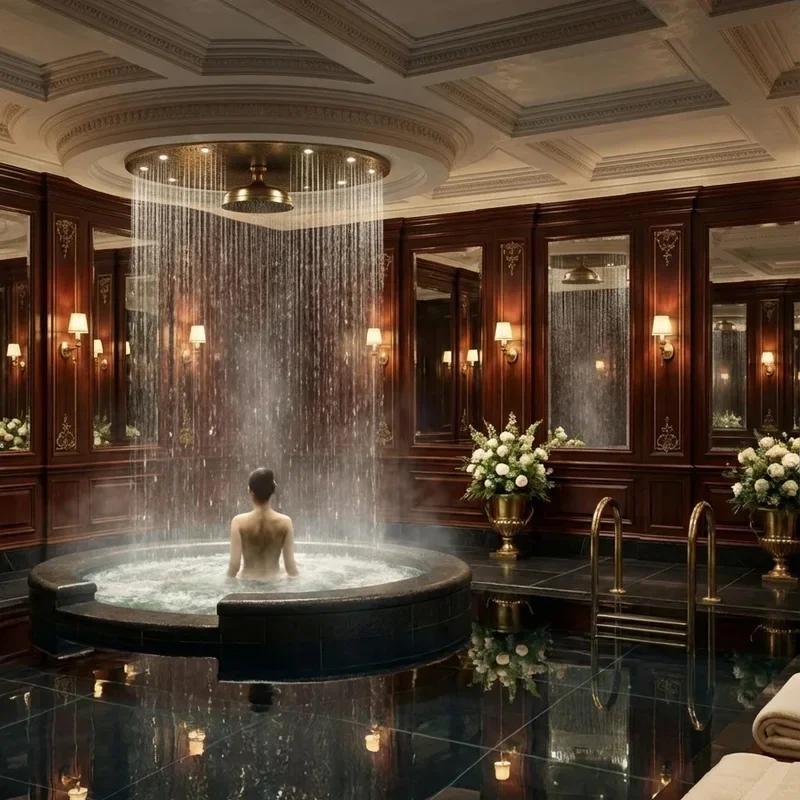
Visualization Artist
 Masha Rybalka
"Styles and cities are brilliant — geometry holds, quality is real, speed is instant. Easy jobs ship as-is; clients might DIY before photos and only buy plans."
Masha Rybalka
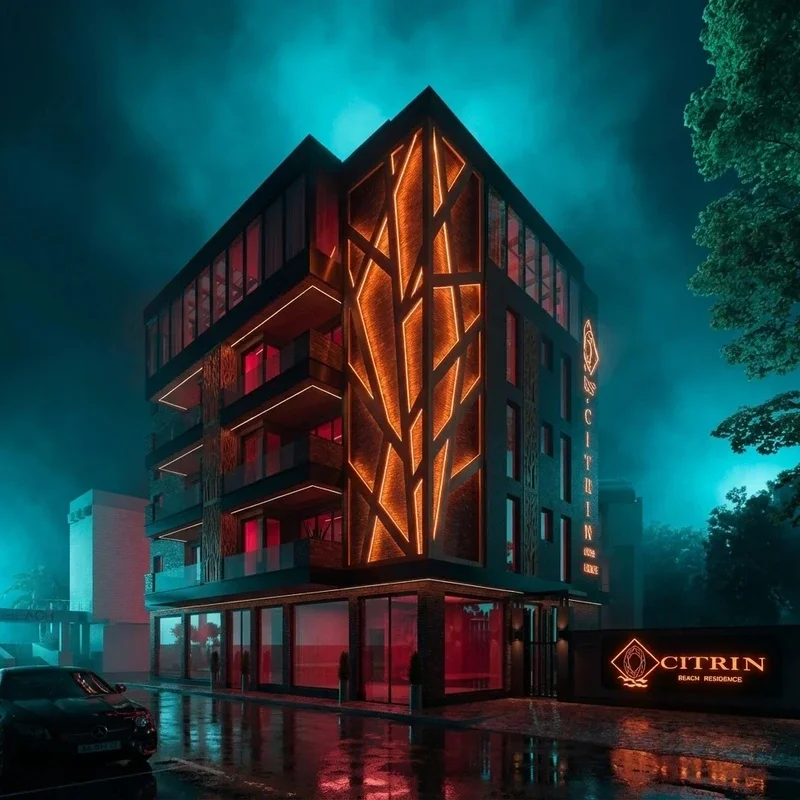
3D Visualizer
 Svetlana Chumakova
"Other AI tools broke geometry for archviz — Uniify keeps it clean with a simple UI and fast client visuals. Interiors, exteriors, lighting options; I recommend it for speed without the mess."
Svetlana Chumakova

Archviz Artist
 Yury Avakin
"The fastest AI I use — styles, color, Golden Hour and Overcast sell client reviews. One render becomes country-style options; upscale after lighting makes portfolio frames, holiday shots included."
Yury Avakin
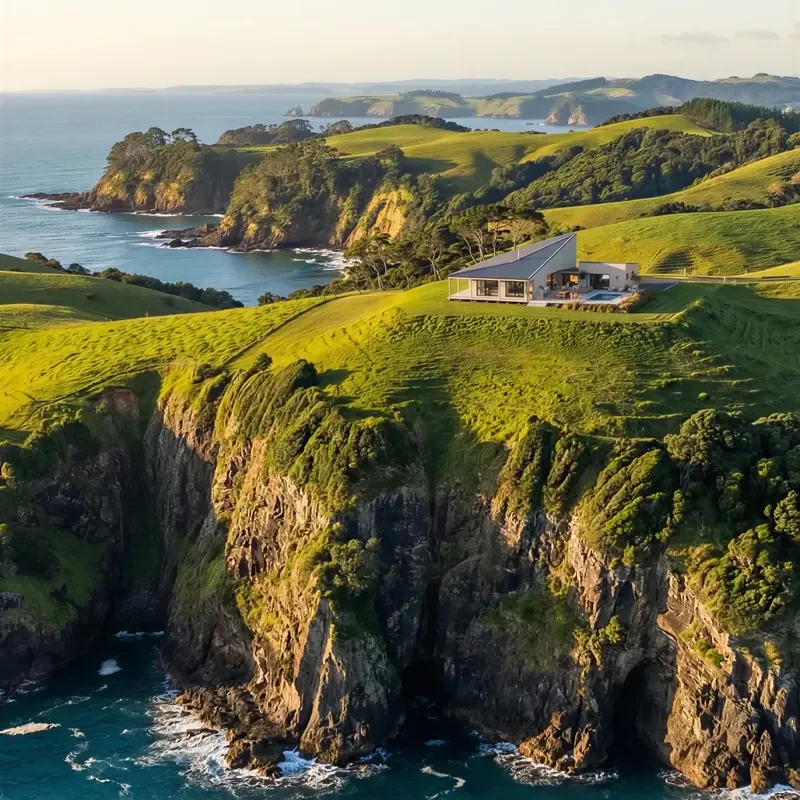
3D Visualizer
 Denis Chegodaev
"Uniify understands design and style — a Max viewport becomes a furnished scene in seconds, contours intact, unlimited variations. Instagram visuals fast; I stopped rewriting prompts and saved designer time."
Denis Chegodaev
Community
User Images
All work shown was created in Uniify by real users.
User Animations
7,500+ high quality assets
Unlock premium assets
Archviz-ready pieces with clean meshes and believable materials.
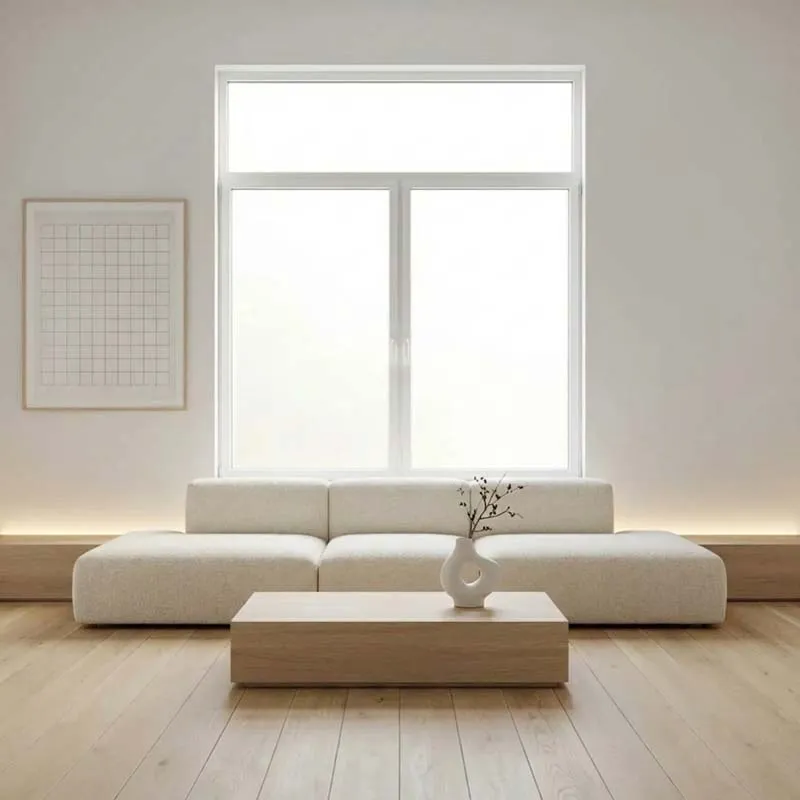
Interiors
Furniture, lighting, and decor for residential and commercial spaces
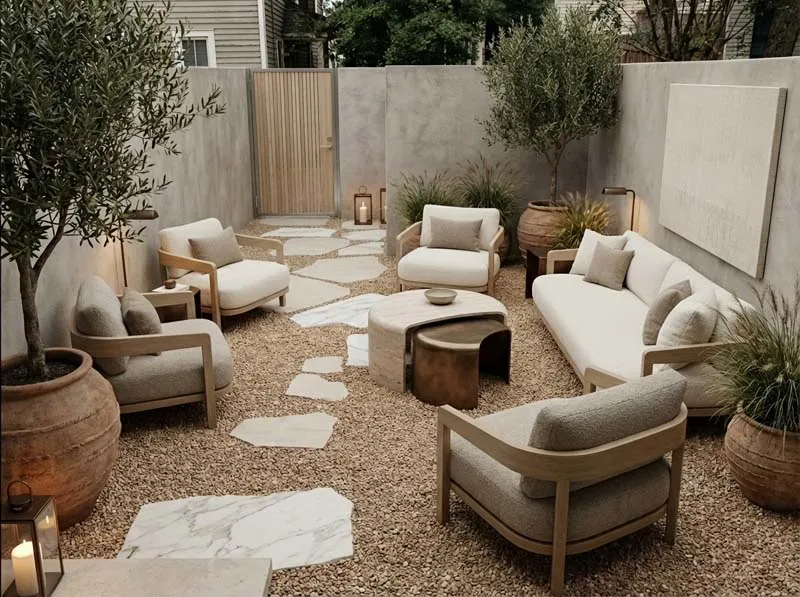
Exteriors
Landscaping, facades, plants, and site context for archviz shots
Why Uniify
Not another rendering tool.
Not another rendering tool.
The complete archviz workflow.
Traditional 3D gives you control. Generic AI gives you speed. Uniify combines both across the whole projects.
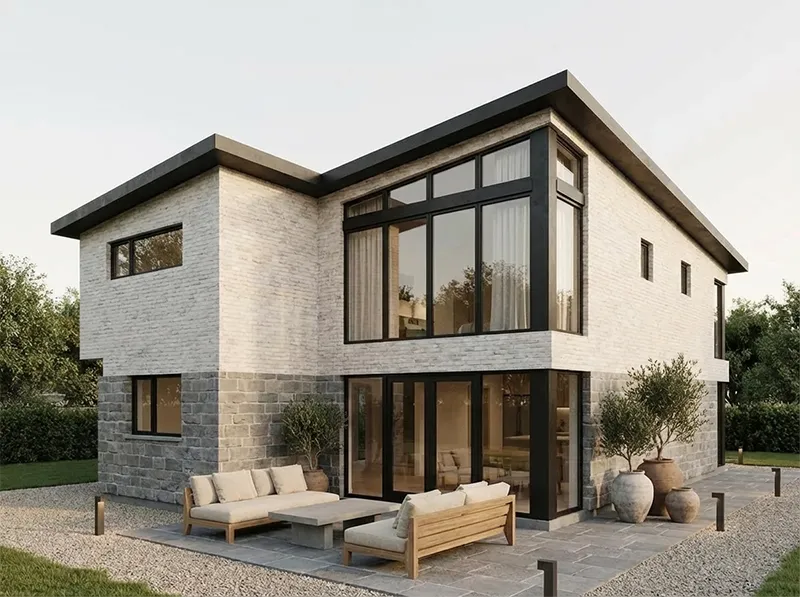
One project — not 10 tools
Stop jumping between DCC, renderers, Photoshop and video apps. Keep geometry, materials, renders and animation inside one online workspace.
- Online 3D Studio — create or upload a building and keep the 3D foundation connected to production
- Archviz presets — move from draft geometry to realistic result
- Fast and controlled — the workflow studios actually need
Real-world terrain and building
Start from site context or your own model. Materials, lighting and camera stay tied to the scene instead of resetting every export.
- Real-world terrain and believable site context
- Reference-controlled generation with project images, materials and styles
- Create or upload the building — IFC / GLB / FBX friendly workflow
Targeted revisions to delivery
Change selected elements, materials, lighting or atmosphere without regenerating the whole project — then ship renders, video and client presentation from the same scene.
- Controlled editing — revise only what the client asked for
- Image-to-video with Kling or Seedance from approved stills
- VR and client presentation — renders, video, panoramas or interactive experience
Categories
Curated collections for interiors, exteriors,
and production workflows.
AI materials
Generate surfaces from text, client photos, or spec screenshots — save and reuse across every view in the project.
Text
Photo
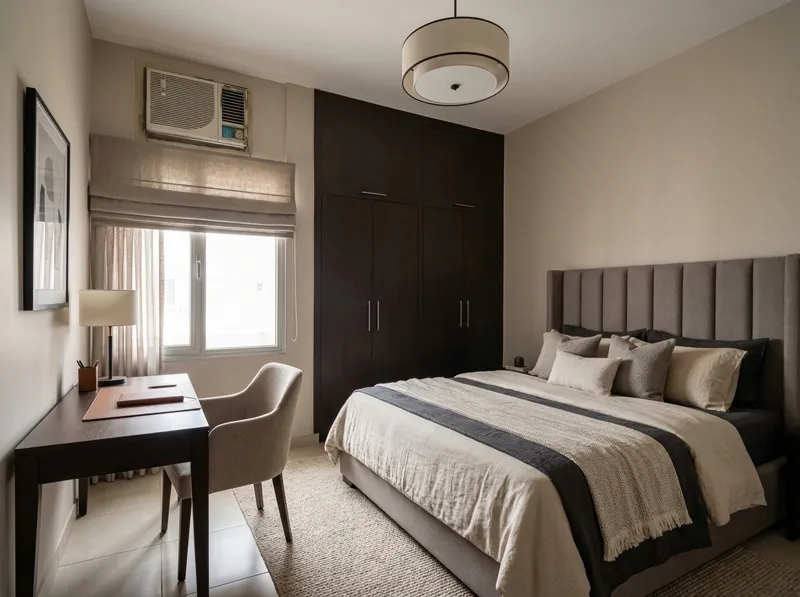
3D asset library
Furniture, plants, decor, and context pieces — buy in the store or generate, then keep assets in your cloud workspace.
Library
Store
Floor & plan tools
Floor generation, graphics, and video editing in one stack — from layout mood to final presentation without switching apps.
Pro
Video
The problem
The old archviz workflow is fragmented.
One project gets split across software, clouds, asset libraries and feedback channels.
01
3ds Max
02
Asset libraries
03
Corona / V-Ray
04
Render farm
05
AI tools
06
Photoshop
07
Video editor
08
Drive
09
Client feedback
5–10 tools
For one project.
Multiple subscriptions
Plus clouds and asset libraries.
Constant file handling
Export, import, convert, version, repeat.
Workstation lock-in
The project stays trapped until you export it.
THE UNIIFY WAY
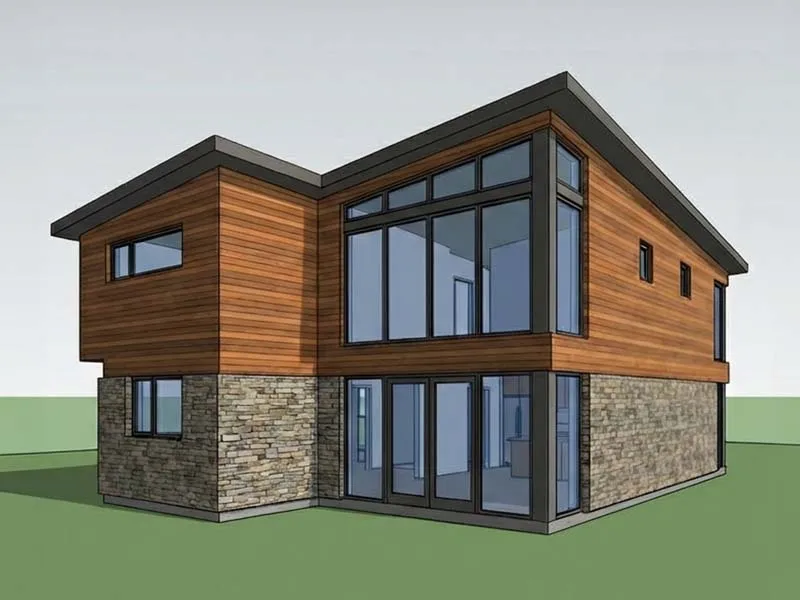
Import real 3D, save cameras, then run image, video, vr generation
01
Import your model
Open IFC, GLB, or FBX — set scale, pick views, and anchor the scene.
02
Materials & assets
Build surfaces from text, photos, or the library — add furniture and plants.
03
Nodes & delivery
Reuse the same sequence in new scenes and projects.
For Architects
Concept iteration time
For Freelancers
Renders vs 5 baseline
For Archviz Studios
Asset / vegetation setup
For Architecture Team
Coordination overhead
For Developers
Marketing-pack turnaround
For Viz Studios
Animation production time
*Depends on project, team and workflow.
Start with Uniify.
Grow into the full studio.
One account across the connected UNIIFY workspace.
BASIC
Start with Images
For fast concepts and essential AI image edits.
$12/ month
Billed $144 yearly
100Realistic credits / month
- ReStyle and visual presets
- ReMove and ReLight
- High-resolution image export
Standard
Image + 3D
For designers and visualizers building complete projects.
$59/ month
Billed $708 yearly
400Realistic8003D Draft
- Full Image workflow
- Full 3D Space access
- AI Render, AD and Collab
- Up to 5 collaborators
Pro
Full Studio
For studios, teams and commercial creative production.
$199/ month
Billed $2,388 yearly
1,500Realistic3,0003D Draft
- Everything in Standard
- Video Studio, Photo Magazine and BIM
- Full Pro workspace and collaboration
- Ambassador and commercial depth
Compare all features
CapabilityBasicStandardPro
Realistic credits1004001,500
3D Draft credits—8003,000
Full Image workflowEssentialIncludedIncluded
3D Space + AI Render + AD—IncludedIncluded
Video + Photo Mag + BIM——Included
Collaboration—5 peopleUnlimited
Why pay for 5–10 separate tools?
Same archviz workflow. A fraction of the cost.
$291+
/ month core stack
-
3D modeling 3ds Max$167.50
-
Photoreal render Corona$34.50
-
Image editing Photoshop$19.99
-
3D assets 3dsky$18
-
AI images Midjourney$24
-
Cloud & sharing Workspace$14
-
Client review Frame.io≈ $13
Optional tools push it higher
+ D5 Pro ≈ $30/mo
+ DaVinci Studio equivalent ≈ $8/mo
+ render farm, PRO models & extra AI usage
$59
/ month billed yearly
-
3D workspaceIncluded
-
AI RenderIncluded
-
Photo StudioIncluded
-
5,000+ modelsIncluded
-
AI Render / Art DirectorIncluded
-
Online projectsIncluded
-
Client WorkspaceIncluded
Included with Standard
400 Realistic Credits / month
800 Draft Credits for 3D Uniify
Models, textures, sharing & review
Save ≈ $232–270 / month
≈ $2,800–3,240 / year
75–82%
Lower cost
Traditional pricing shown as a comparable professional stack. Render farms, extra PRO models and additional AI usage can increase monthly spend.
FAQ
Curious about
Curious about
something?
Straight answers about the 3D + AI workflow
and who it is built for.
You should understand 3D basics. The platform removes heavy production — not your eye for space and materials.
We start from real 3D — saved views, scale, and materials. AI enhances the scene; it does not invent a new building each time.
Yes — one scene, locked cameras, reusable materials, then Realistic, Boost, or Draft nodes on the same views.
Realistic credits power Realistic and Boost nodes (~30s vs minutes; Boost up to 10 refs). Draft credits power the faster Draft node — best for weather, seasons, and preset looks (plans include about 2× Draft vs Realistic monthly). Draft is not a layout preview; use it to explore looks cheaply before finals.
Standard — faster solo artist. Pro — delegate, sell a simple service, unlimited team, partner revenue. Start with the free workshop on lab.uniify.space.
Yes — scenes, materials, and renders live in your workspace. Open from any machine and share with collaborators on Pro.
FROM IDEA TO DELIVERY
Keep the whole project in motion.
Image, 3D, video, VR and presentation — connected in UNIIFY.
Start CreatingStart Creating