
AI Workspace Redesign
I Tried AI to Redesign My Workspace. Here’s What Actually Helped.
I started with a workspace I was honestly avoiding. One photo, a few wrong style choices, and a couple of retries later, AI gave me a version that actually felt better to sit in.
This is the simple version of what I learned using a tool like Uniify: the upload part is easy, the style choice matters more than you think, and the best result usually comes after one or two mistakes.



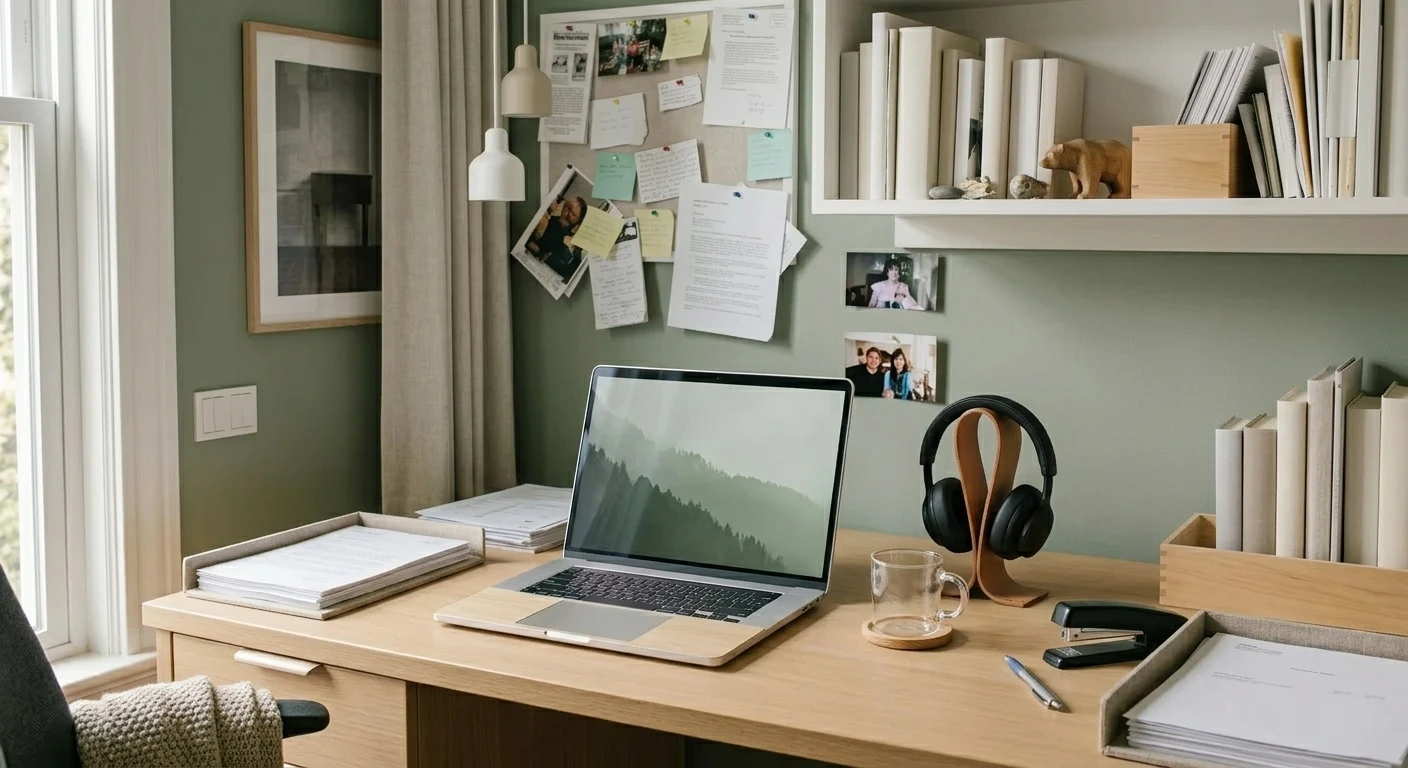
Transformed with AI by Uniify
What I Noticed Right Away
I did this because my workspace felt off, but I could not tell exactly why. The funny part is that the AI spotted the problem faster than I did. I uploaded one photo, picked a style too quickly, and got back a result that looked polished but not like me at all.
[ Your Photo ]
       ↓
[ AI Analysis ]
       ↓
[ Style Applied ]
       ↓
[ New Workspace Design ]
What a tool like https://www.uniify.space really does well is remove the blank-page problem. You do not have to plan everything from scratch. You react to something concrete, which is way easier when you are tired of looking at the same desk every day.
What I Actually Did
The basic process really is simple, and that is probably why I expected the first result to be perfect. It was not, but the workflow itself was easy:
- Upload a photo of your real workspace
- Pick a style that feels close to how you actually want to work
- Wait for the AI to generate a new version of the space
My first mistake was treating style like a mood board instead of a real-life choice. I picked the one that looked the most impressive, not the one I wanted to sit with every day. The second try was better because I matched the style to the room I actually had, not the fantasy office in my head.
Styles I Tried and How They Felt
Japandi
This was the one that surprised me. It felt calm without looking empty, and it made my messy setup look more intentional.
Scandinavian
Probably the safest option. When I wanted the room to feel lighter and more usable, this usually gave the cleanest result.
Bauhaus
I thought this would be my favorite. It looked smart on screen, but in my actual space it felt a bit too stiff and performative.
Minimalism
Good when the room already has decent bones. If your desk is overloaded, this style can show you what needs to go.
How I’d Pick a Better Style Now
The practical takeaway came before any big insight for me: do not start with what looks coolest. Start with what your space can realistically support.
- Need calm and less visual noise → Japandi
- Need the room to feel brighter and easier → Scandinavian
- Want something graphic and bold → Bauhaus
- Want to strip things back hard → Minimalism
I honestly expected there to be one “best” style. There usually is not. What works is the one that makes your actual desk look more usable, not more dramatic.
What Was Actually Useful About It
- You get fast results without moving furniture around first
- You do not need design skills to test ideas
- You can compare very different directions in minutes
- The result is based on your room, not a generic sample office
Small Things That Gave Me Better Results
- Use a clear photo instead of a dark rushed one
- Show as much of the workspace as you can
- Do one quick cleanup so the desk is readable
- Pick a style you would actually live with, not just admire for five seconds
Frequently Asked Questions
How fast does AI workspace redesign usually take?
From what I saw, around 20 to 30 seconds is normal if the photo is clear.
Do I need design skills for this?
No. That is kind of the point. You upload, choose, wait, and react.
Can I try more than one style?
Yes, and you probably should. My first choice looked wrong, and the second or third one made much more sense.
What kind of photo works best?
A bright, simple photo that shows most of the room works best. I also thought one messy angle would be “good enough,” and it really was not.