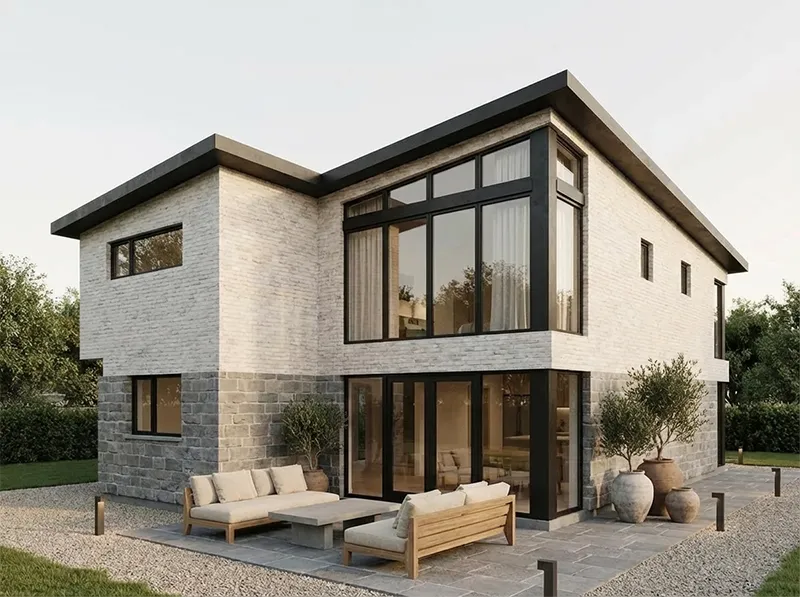
3D + AI Tools for archviz
★★★★★

Uninstall
3D Software
Use All-in-One + AI

A next-generation creative platform with AI tools, floor generation, graphics, video editing, and thousands of modern 3D models for visualization and creative projects.

Articles

Latest Posts

AI interior design tips, guides, and comparisons from Uniify.Space.

View all posts
6,000+ high quality assets

Unlock premium assets

Archviz-ready pieces with clean meshes and believable materials.

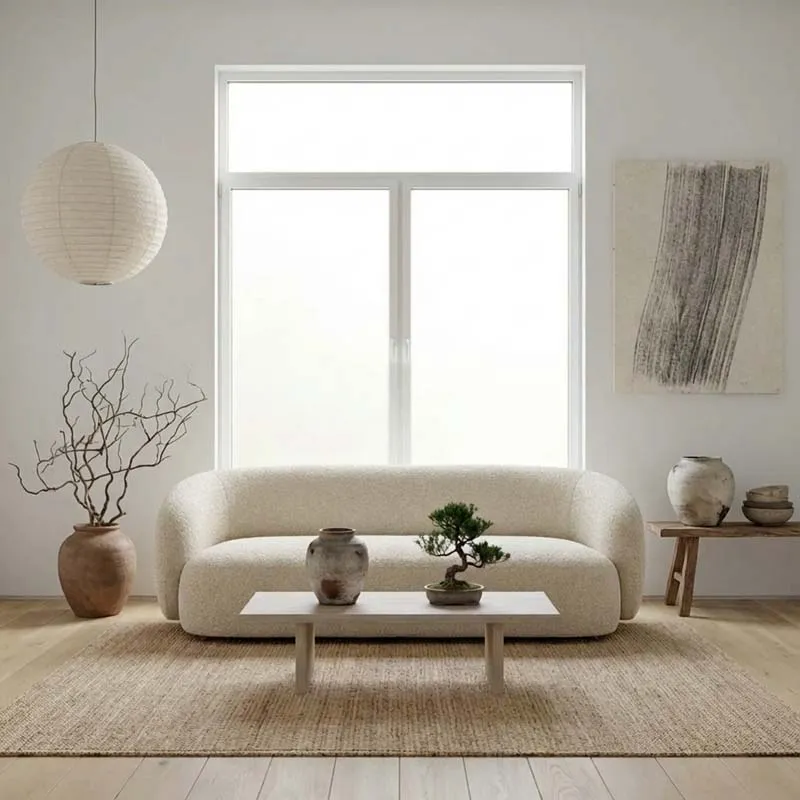
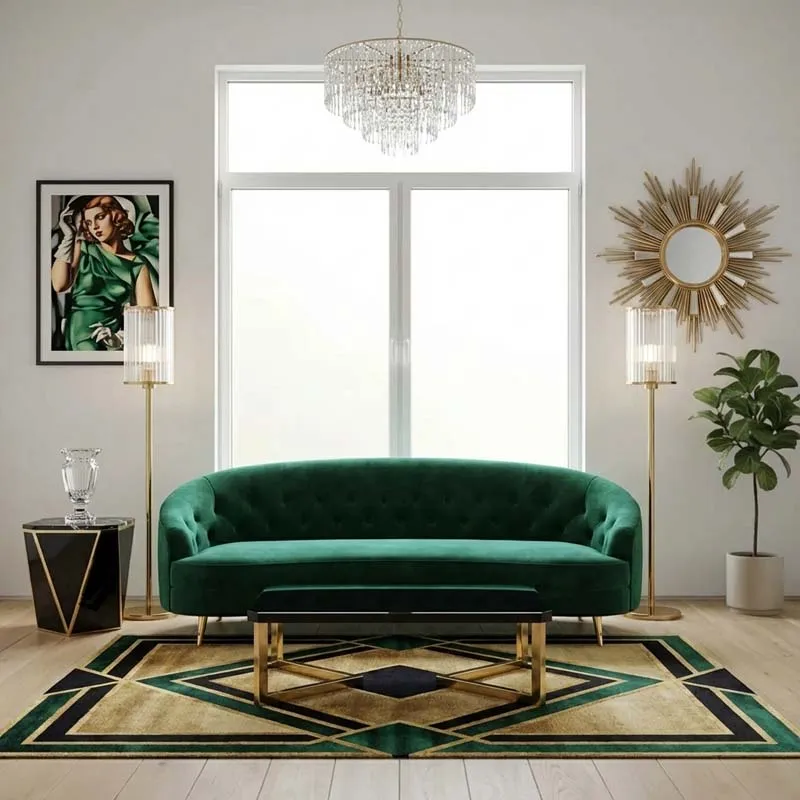
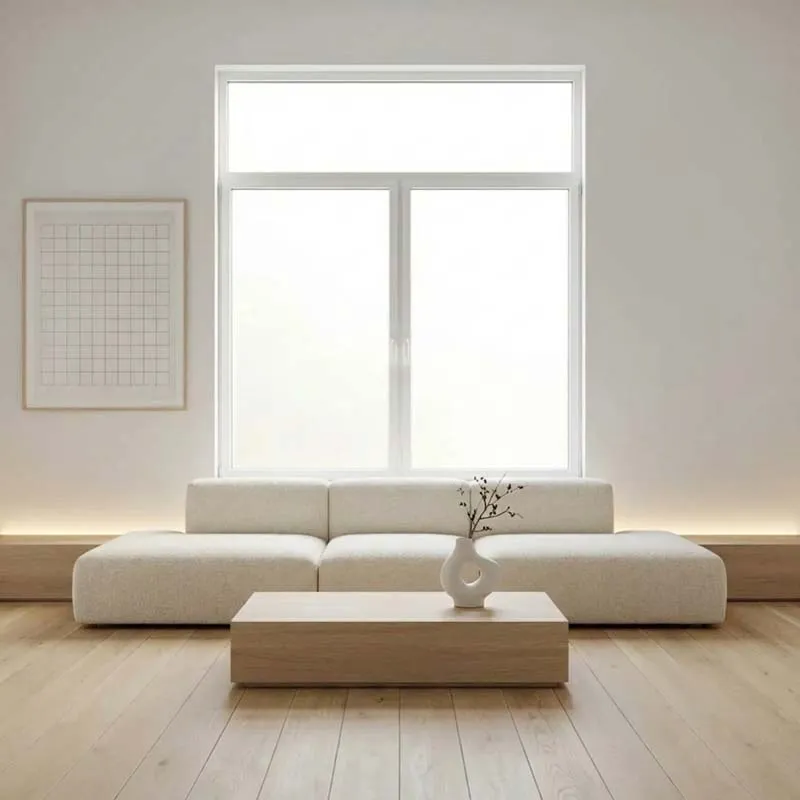
Minimalist interior

Interiors

Furniture, lighting, and decor for residential and commercial spaces

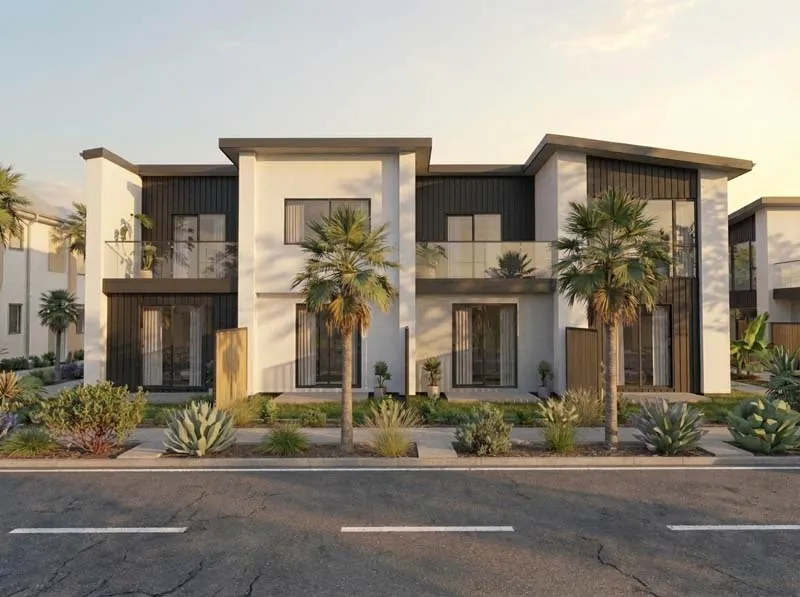
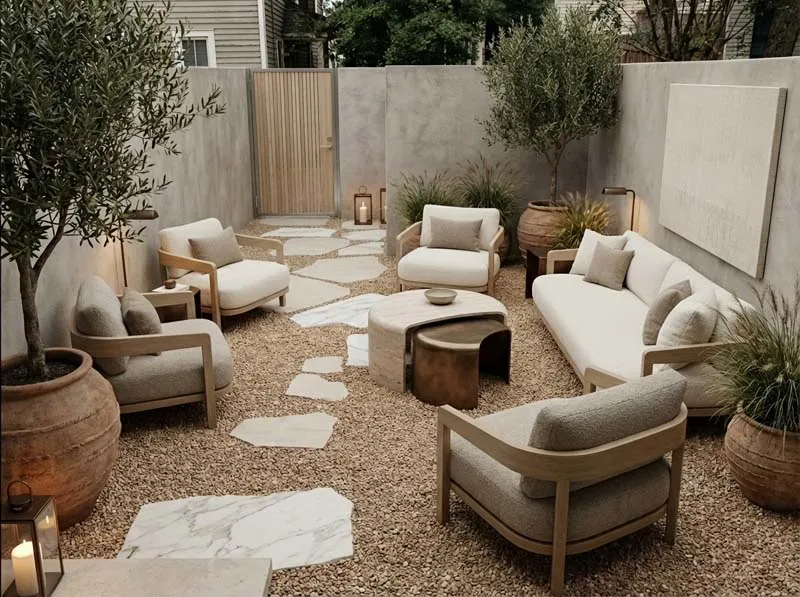
Landscape restyle

Exteriors

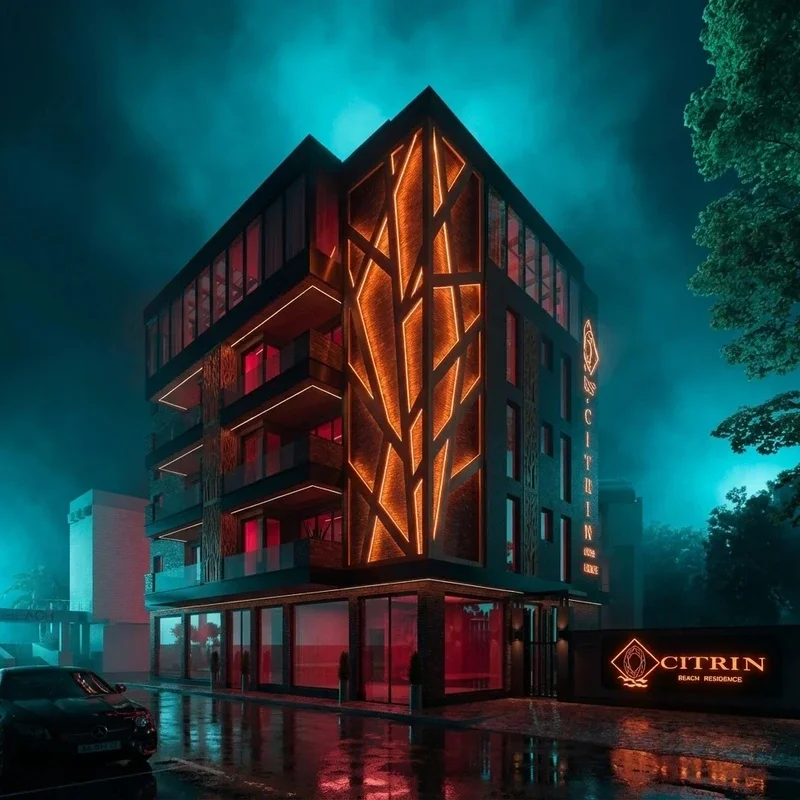
Landscaping, facades, plants, and site context for archviz shots

Architectural visualization
Why Uniify Space

Random AI images are not a production workflow for archviz

We keep real 3D space, saved views, and materials — then AI strengthens the shot instead of inventing a new building.

Saves days

Turn a 3-day project into hours with cloud + AI pipeline.

Stays consistent

One scene, stable camera series, repeatable client delivery.
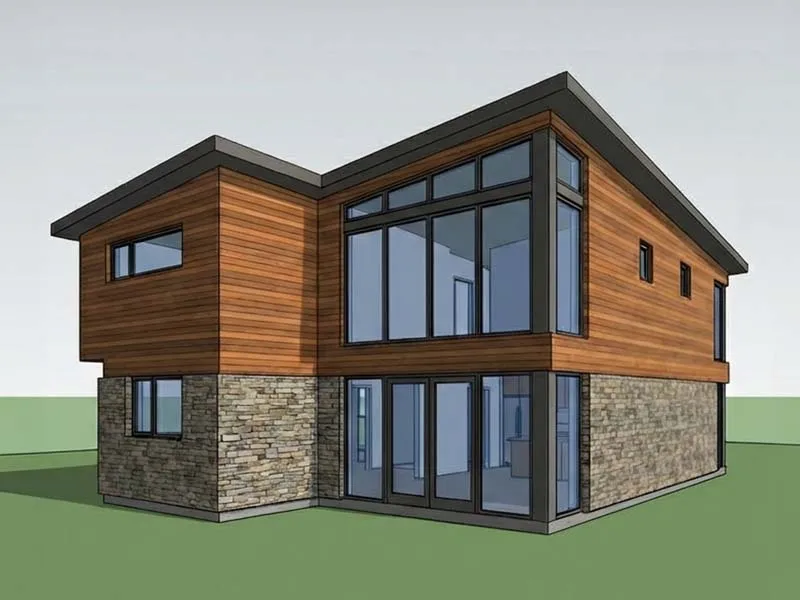
6 hours

Not 3 days

Commercial quality — faster renders, less cleanup.

Archviz
Real 3D

Not concept art

IFC, GLB, FBX in — saved views, materials, AI renders out.

AI + 3D
Upload model or photo
Choose style
Final render

How it works

Import real 3D, save cameras, then run node-based Realistic, Boost, or Draft renders on the same scene.

01

Import your model

Open IFC, GLB, or FBX — set scale, pick views, and anchor the scene.

02

Materials & assets

Build surfaces from text, photos, or the library — add furniture and plants.

03

Nodes & delivery

Reuse the same sequence in new scenes and projects.

Use cases

Use Uniify Space on every archviz job

From IFC to client-ready interiors, exteriors, and marketing visuals.

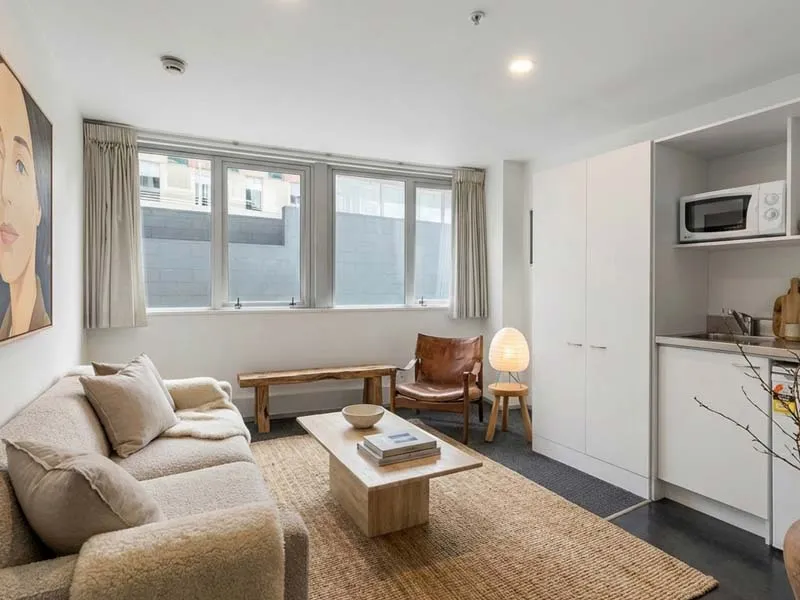
Architectural visualization Interior staging Marketing visuals

Architectural visualization

Turn BIM or 3D exports into believable interior and exterior series clients can approve faster.

  • IFC / GLB / FBX friendly workflow
  • Saved views keep every shot aligned
  • Realistic, Boost & Draft nodes on one scene

Studios & freelancers

Ship more projects without a render farm — cloud projects, collaborators, and a repeatable pipeline.

  • Up to 5 collaborators on Standard
  • Texture + model libraries included
  • 7-day sprint to first client pack

Developers & marketing

Sell the project before it is built — hero shots, floor moods, and video-ready visuals from one 3D scene.

  • Fast concept packages for listings
  • Video Studio & graphics on Pro
  • Simple offer clients understand

Categories

Curated collections for interiors, exteriors, and production workflows.

AI materials

Generate surfaces from text, client photos, or spec screenshots — save and reuse across every view in the project.

Text Photo
AI materials and finishes

3D asset library

Furniture, plants, decor, and context pieces — buy in the store or generate, then keep assets in your cloud workspace.

Library Store
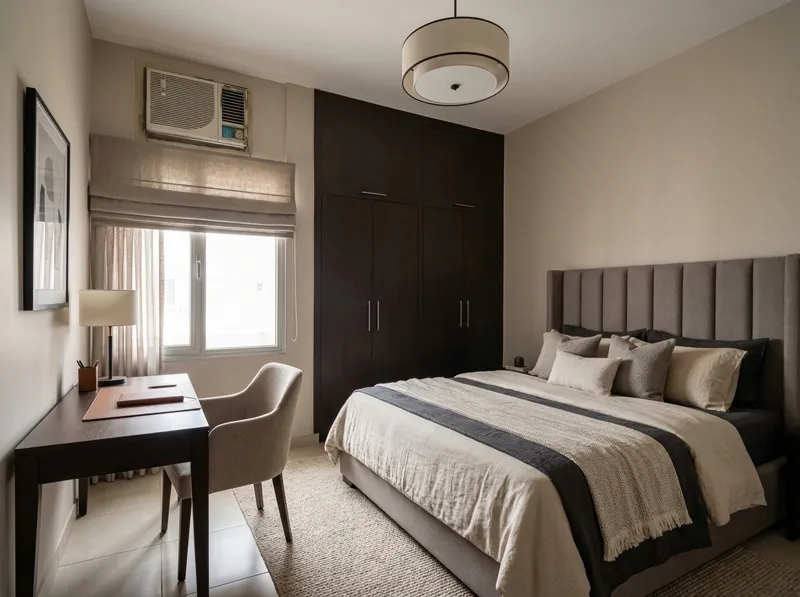
Staged interior

Floor & plan tools

Floor generation, graphics, and video editing in one stack — from layout mood to final presentation without switching apps.

Pro Video
Marketing render
Core Features

Everything you
need to create in 3D

Import BIM and meshes, build materials and assets,
then render from a saved node workflow — all in real scale.

Saved viewpoints

Save cameras in 3D — every Realistic, Boost, and Draft node reuses the same geometry, scale, and framing.

AI process

Realistic (~30s) for delivery. Boost (up to 10 refs, minutes) when you need more. Draft for fast season and light studies on Draft credits.

IFC · FBX · GLB

Open BIM and mesh files, snap to terrain, trim land — full archviz scale before any AI node runs.

Presets & edits

260+ style presets, Edit Realistic masks, and removal nodes — refine shots without rebuilding the scene.

Textures & 3D

Seamless textures from text and photos; 3D props from screenshots — library copies with proxy for heavy scenes.

Cloud

Save terrain, cameras, and materials to the cloud — invite with NDA, assign projects, and track Kanban and studio hours.

Presets

260+ presets for style, events, locales, themes, light, and finish.

Unlock presets Unlock presets
Style and Feel
Style

Style & Feel

Thirty-six looks — modern, raw, natural, retro

Occasions
Occasion

Occasions

Twenty-five events — holidays, weddings, sports

Locations
Location

Locations

Thirty-three locales — Paris, Tokyo, Miami, Bali

Themes
Theme

Themes

Thirty-one worlds — Potter, Ghibli, cyberpunk

Enhancement
ReLight

Enhancement

Remove clutter, relight golden hour, cinematic

Finalize
Finalize

Finalize

Camera angles, upscale, ninety-five color palettes

Creators love
the new workflow

See how archviz artists use Uniify Space for faster client delivery.
Creator Creator Creator Creator
★★★★★ 1,6k+ 3D artists
Aymen Taieb work
Archviz Artist
★★★★★
"Saved views changed everything — every frame reads as the same project. Clients finally stop asking why shots do not match."
Aymen Taieb Aymen Taieb
Staged interior
Interior Studio
★★★★★
"We shipped a full interior pack in days, not weeks. Draft nodes for seasons; Realistic and Boost sold the design."
Marcus Chen Marcus Chen
Sofia Martinez interior render
3D Freelancer
★★★★★
"IFC from the architect, materials from photos, library assets for staging — one pipeline instead of five tools."
Sofia Martinez Sofia Martinez
Marketing render
Architect
★★★★★
"The workshop made the mindset click — AI is not magic, it is production. Now I sell a simple, repeatable service."
David Kim David Kim
Grandy Andrei reception interior render
Interior Designer
★★★★★
"A powerful assistant for photos and renderings — saves time and locks direction fast. On site I sketch kitchen, bath, or hallway straight from construction photos."
Grandy Andrei Grandy Andrei
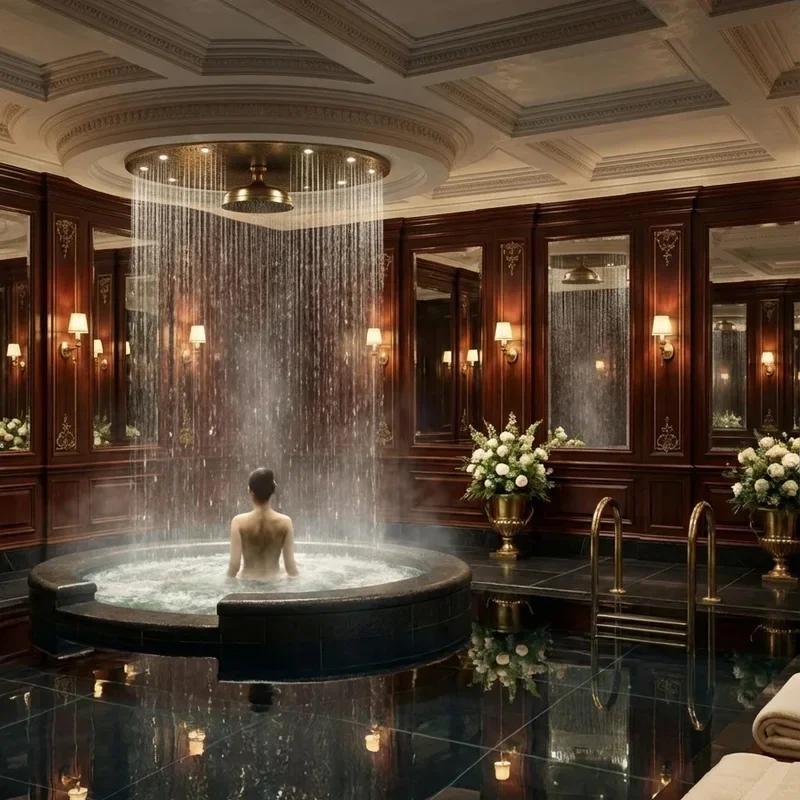
Masha Rybalka luxury spa interior render
Visualization Artist
★★★★★
"Styles and cities are brilliant — geometry holds, quality is real, speed is instant. Easy jobs ship as-is; clients might DIY before photos and only buy plans."
Masha Rybalka Masha Rybalka
Svetlana Chumakova exterior architectural render
3D Visualizer
★★★★★
"Other AI tools broke geometry for archviz — Uniify keeps it clean with a simple UI and fast client visuals. Interiors, exteriors, lighting options; I recommend it for speed without the mess."
Svetlana Chumakova Svetlana Chumakova
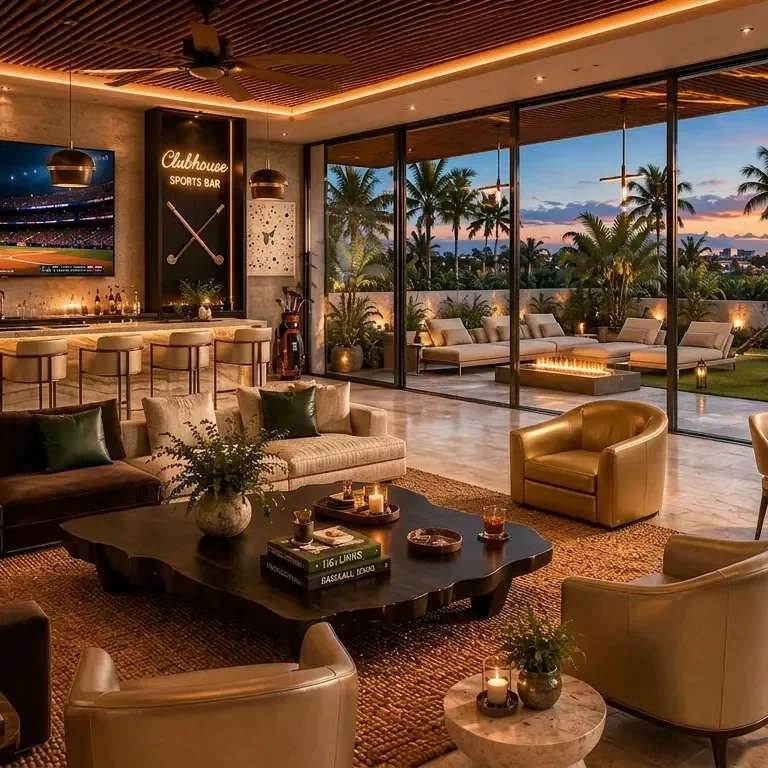
Yury Avakin clubhouse interior golden hour render
Archviz Artist
★★★★★
"The fastest AI I use — styles, color, Golden Hour and Overcast sell client reviews. One render becomes country-style options; upscale after lighting makes portfolio frames, holiday shots included."
Yury Avakin Yury Avakin
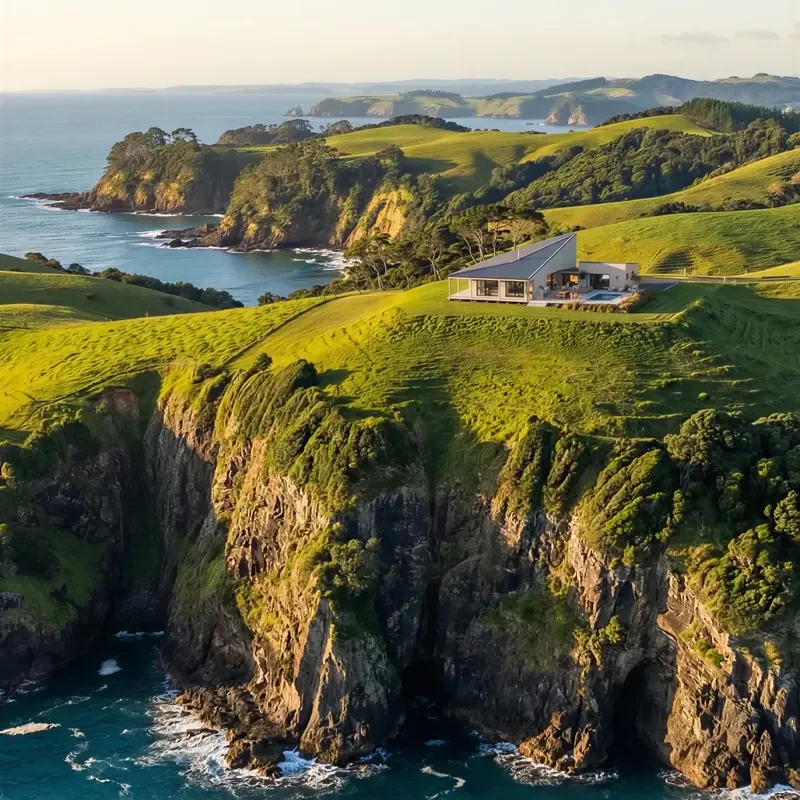
Denis Chegodaev coastal villa architectural render
3D Visualizer
★★★★★
"Uniify understands design and style — a Max viewport becomes a furnished scene in seconds, contours intact, unlimited variations. Instagram visuals fast; I stopped rewriting prompts and saved designer time."
Denis Chegodaev Denis Chegodaev
Pricing

Choose your path
artist or partner

Standard to move faster solo. Pro to delegate, sell, and earn as a partner.

Best Value

Lifetime

One-time payment. No renewals. Long-game access.

$6,900 lifetime access
  • Lifetime platform — no renewals
  • All Pro tools & unlimited assets
  • Priority roadmap & early access
  • Full partner + lifetime affiliate
  • For long-term studio & partner builds

Standard

Faster as a 3D artist — solo production sprint

$1,200 / year
  • 1yr platform + 6 lessons & review
  • 200 textures & models, Realistic + Draft nodes
  • Cloud projects, up to 5 collaborators
FAQ

Curious about
something?

Straight answers about the 3D + AI workflow
and who it is built for.

You should understand 3D basics. The platform removes heavy production — not your eye for space and materials.

We start from real 3D — saved views, scale, and materials. AI enhances the scene; it does not invent a new building each time.

Yes — one scene, locked cameras, reusable materials, then Realistic, Boost, or Draft nodes on the same views.

Realistic credits power Realistic and Boost nodes (~30s vs minutes; Boost up to 10 refs). Draft credits power the faster Draft node — best for weather, seasons, and preset looks (plans include about 2× Draft vs Realistic monthly). Draft is not a layout preview; use it to explore looks cheaply before finals.

Standard — faster solo artist. Pro — delegate, sell a simple service, unlimited team, partner revenue. Start with the free workshop on lab.uniify.space.

Yes — scenes, materials, and renders live in your workspace. Open from any machine and share with collaborators on Pro.

Ready to shift your workflow?

Watch the free 3-lesson workshop, then pick Standard or Pro
and ship your first client series in a week.

Start free workshop Start free workshop